
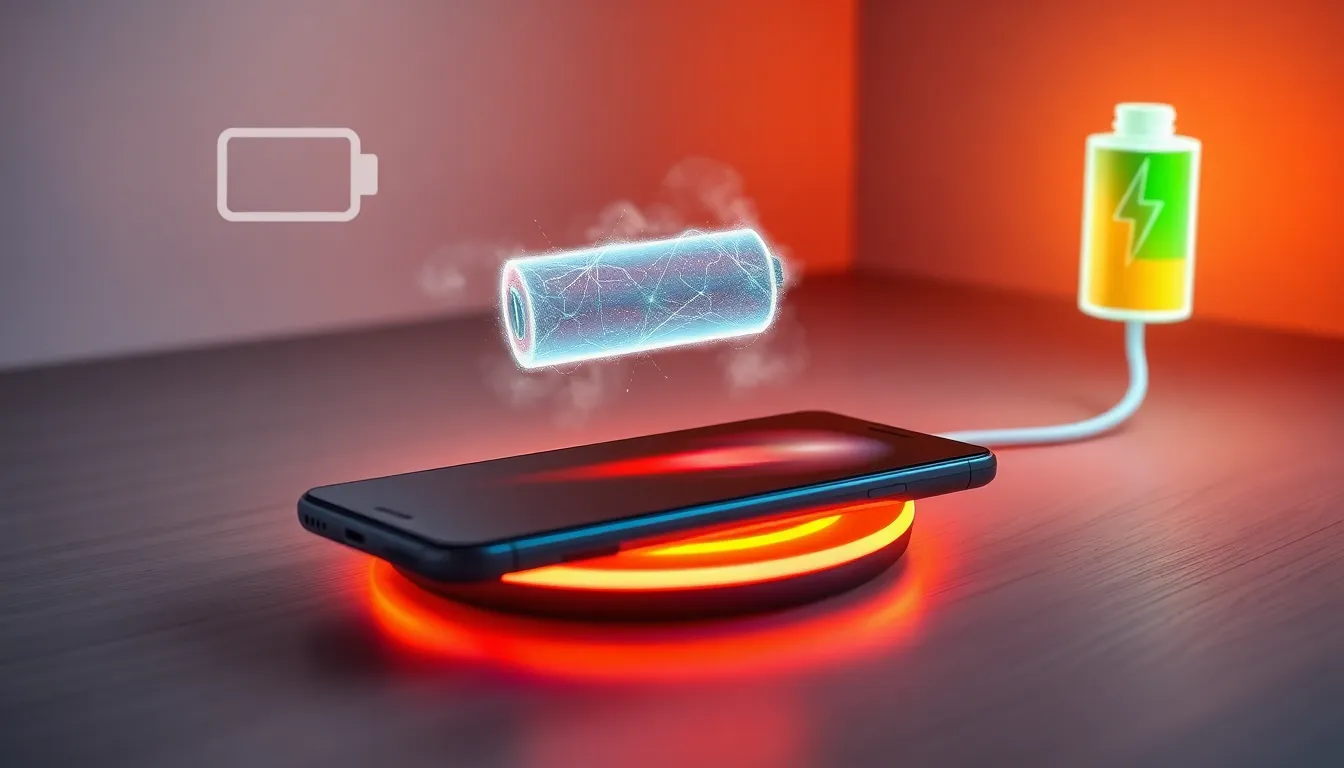
Wireless Charging: Is It Bad for Your Battery?
You've probably wondered this while placing your phone on that sleek wireless charging pad. The convenience is undeniable - just drop your device and walk away. But somewhere in the back of your mind, there's that nagging question: am I slowly killing my battery?
The truth about wireless charging and battery health isn't as straightforward as you might think. While wireless charging does generate more heat than wired charging, and heat is indeed the enemy of lithium-ion batteries, modern smartphones are surprisingly good at managing this challenge. The real story involves understanding how your battery degrades over time, what factors actually matter most, and whether the convenience of wireless charging is worth any potential trade-offs.
Let's cut through the marketing claims and internet myths to give you the facts you need to make an informed decision about your charging habits.
How Wireless Charging Actually Works and Why Heat Matters
Wireless charging feels like magic, but it's actually based on a principle discovered over a century ago. Your charging pad creates an electromagnetic field, which your phone converts back into electricity to charge the battery. Think of it like an invisible power cord made of magnetic waves.
Here's where things get interesting - this conversion process isn't perfectly efficient. While the best wireless chargers achieve about 80% efficiency, that means 20% of the energy gets lost as heat. Wired charging, by comparison, typically runs at 95% efficiency or higher. That extra heat has to go somewhere, and unfortunately, some of it ends up warming your phone's battery.
Why does this matter? Lithium-ion batteries are sensitive to temperature. When they get hot, the chemical reactions inside happen faster, which can break down the battery's internal structure over time. It's like how food spoils faster when left in a hot car - heat accelerates chemical processes, usually in ways we don't want.
However, phone manufacturers know this. Modern smartphones have sophisticated thermal management systems that monitor battery temperature and slow down or pause charging when things get too toasty. Your phone might feel warm during wireless charging, but it's actively protecting itself from dangerous temperatures.
The Real Culprits Behind Battery Degradation
Before we blame wireless charging for everything, let's talk about what actually kills phone batteries. Spoiler alert: it's not just the charging method.
Battery degradation is primarily about charge cycles - every time you drain your battery from 100% to 0% counts as one cycle. Most phone batteries are designed to retain about 80% of their original capacity after 500-800 cycles. That might sound like a lot, but if you charge daily, you're looking at roughly two to three years before noticeable degradation.
Temperature extremes are another major factor, but we're talking about both hot and cold conditions. Leaving your phone in a freezing car overnight can be just as harmful as letting it overheat. The sweet spot for lithium-ion batteries is room temperature - roughly 60-80°F (15-27°C).
Here's something that might surprise you: keeping your battery at 100% charge constantly can actually be worse than the mild heat from wireless charging. Lithium-ion batteries prefer to stay between 20-80% charge when possible. That's why some phones now have features that learn your schedule and delay charging to 100% until right before you wake up.
🧐 Did You Know? Tesla electric vehicles use liquid cooling systems for their battery packs, but your smartphone achieves thermal management through software algorithms that can pause charging, reduce processor speed, and even dim the screen - all without you noticing.
Comparing Wireless vs Wired Charging in Real-World Scenarios
Let's get practical. You want to know if your nightly wireless charging routine is shortening your phone's lifespan compared to using a cable.
Several studies have tested this exact scenario. In controlled conditions, phones charged wirelessly every night for a year showed slightly more battery capacity loss than those charged with cables - we're talking about a difference of roughly 3-5% after 12 months. That means if your wired-charging phone retained 95% of its battery capacity, your wireless-charging phone might retain 90-92%.
But here's the catch - real life isn't a controlled lab environment. If wireless charging means you're more consistent about charging your phone overnight (instead of forgetting and letting it die completely), that consistency might actually be better for your battery than the occasional deep discharge cycles.
The charging speed also makes a difference. Fast wireless charging (15W or higher) generates more heat than slower wireless charging (5-10W). If you're charging overnight, there's no reason to use the fastest setting - your phone has 8 hours to top up, so slower and cooler is better.
Consider your usage patterns too. If you frequently use your phone while it's wirelessly charging, you're adding the heat from the processor to the heat from charging. With wired charging, you can at least move the phone away from the charger while using it.
Making Smart Choices for Long-Term Battery Health
So what should you actually do? The answer depends on your priorities and habits.
If maximizing battery lifespan is your top priority, stick with wired charging most of the time. Use a high-quality cable, avoid fast charging when you're not in a hurry, and try to keep your battery between 20-80% when possible. Remove your phone case during charging if it gets warm, and never charge in direct sunlight or hot environments.
But if convenience matters more than squeezing out an extra 6-12 months of battery life, wireless charging is perfectly reasonable. Choose a quality wireless charger from a reputable brand, use slower charging speeds overnight, and make sure your phone has good ventilation around the charging pad.
Here's a middle-ground approach many people find practical: use wireless charging for convenience (like at your bedside table or desk), but switch to wired charging when you need speed or when your phone is already running warm from heavy use.
Remember that phone batteries are consumable components designed to be replaced. Most flagship phones now offer official battery replacement services, and even if you need a new battery after two years instead of three, you're talking about a $50-80 repair versus hundreds of dollars for a new phone.
Conclusion: The Bigger Picture on Wireless Charging
After looking at the evidence, wireless charging isn't the battery killer some people make it out to be. Yes, it generates more heat than wired charging, and yes, that heat can contribute to faster battery degradation. But the difference in real-world usage is smaller than you might expect.
The most important factors for battery health remain the same regardless of how you charge: avoid temperature extremes, don't consistently drain your battery to zero, and try not to keep it at 100% charge for extended periods. Your charging habits matter less than these fundamental principles.
Ultimately, your phone is a tool designed to make your life easier. If wireless charging adds genuine convenience to your daily routine, the minor impact on battery lifespan is probably worth it. Technology should work for you, not the other way around.
The key is making an informed choice based on your actual needs rather than theoretical concerns. Most people replace their phones every 2-4 years anyway, long before battery degradation becomes a serious problem. Choose the charging method that fits your lifestyle, follow basic battery care principles, and don't stress too much about the rest.
Does wireless charging damage your phone battery faster than cables?
Wireless charging does cause slightly faster battery degradation due to increased heat generation, but the difference is small - typically 3-5% more capacity loss over a year of regular use.
Is it safe to leave your phone on a wireless charger overnight?
Yes, it's generally safe. Modern smartphones have built-in thermal management and overcharge protection. However, using slower charging speeds overnight is better for long-term battery health.
Why does my phone get hot during wireless charging?
Wireless charging is less efficient than wired charging, converting about 20% of energy into heat. This is normal, but if your phone becomes uncomfortably hot, check for proper ventilation and consider using a slower charging speed.
Should I use fast wireless charging or regular wireless charging?
Use fast wireless charging when you need quick power, but regular wireless charging is better for routine use and overnight charging since it generates less heat and is gentler on your battery.
How can I minimize battery damage while wireless charging?
Remove phone cases during charging, ensure good airflow around your charging pad, avoid charging in hot environments, use slower charging speeds when possible, and don't use your phone heavily while it's wirelessly charging.